Airtime · Cashpower · The Gambia
Airtime and Cashpower for home, from wherever you are
Top up any Africell, QCell, Gamcel or Comium number and buy NAWEC Cashpower for your family in The Gambia. Pay by card, and see the full price before you pay.
Pay in GBP, USD, EUR, CAD, AUD
Airtime
Top up any Gambian mobile
Send airtime to Africell, QCell, Gamcel and Comium numbers. The network is detected from the number as you type it.
Cashpower
Buy NAWEC electricity for home
Pay for a NAWEC prepaid meter and get the token on screen and by SMS to a Gambian phone.
Know exactly what you pay before you send
Pricing and payment
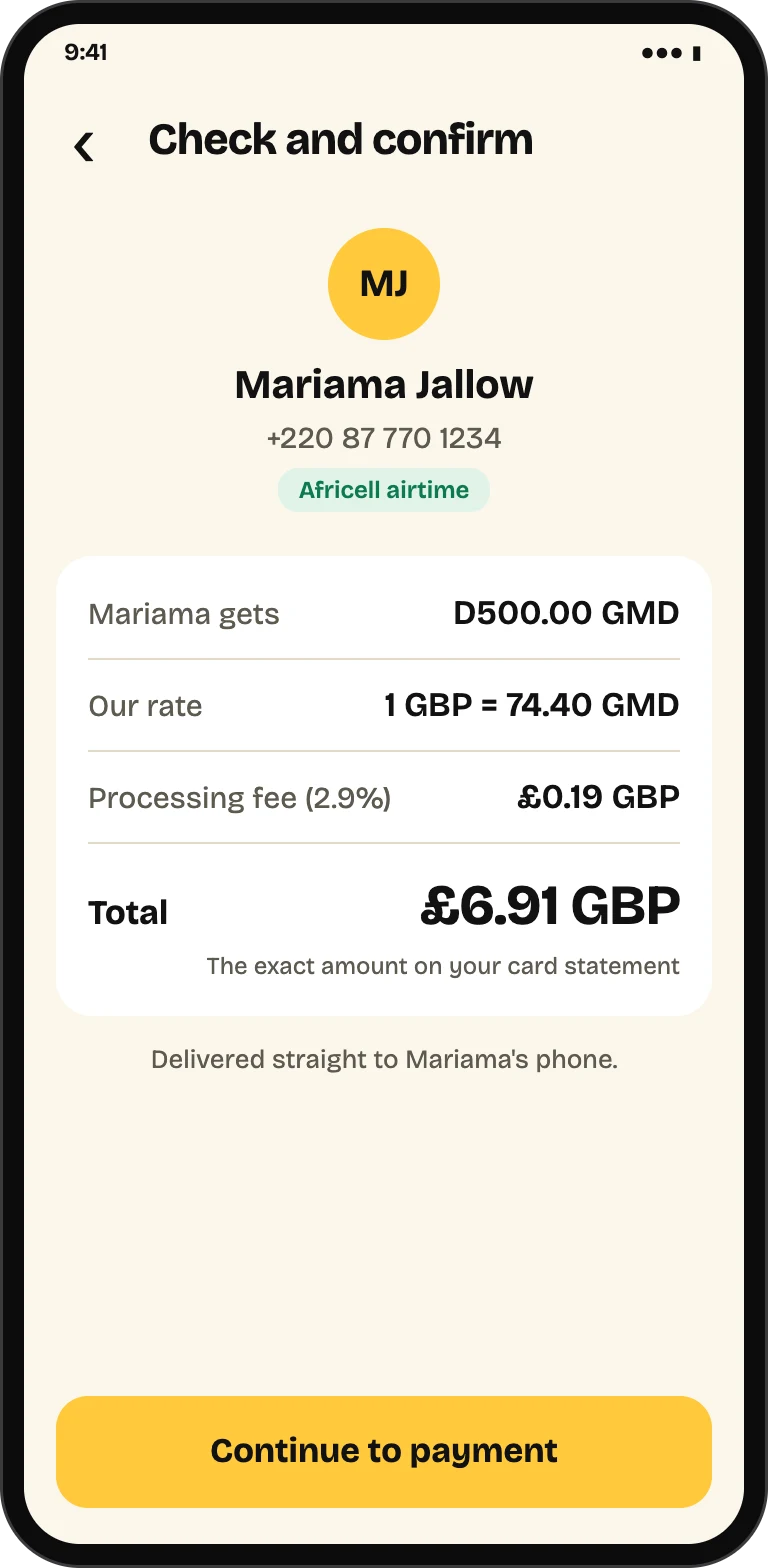
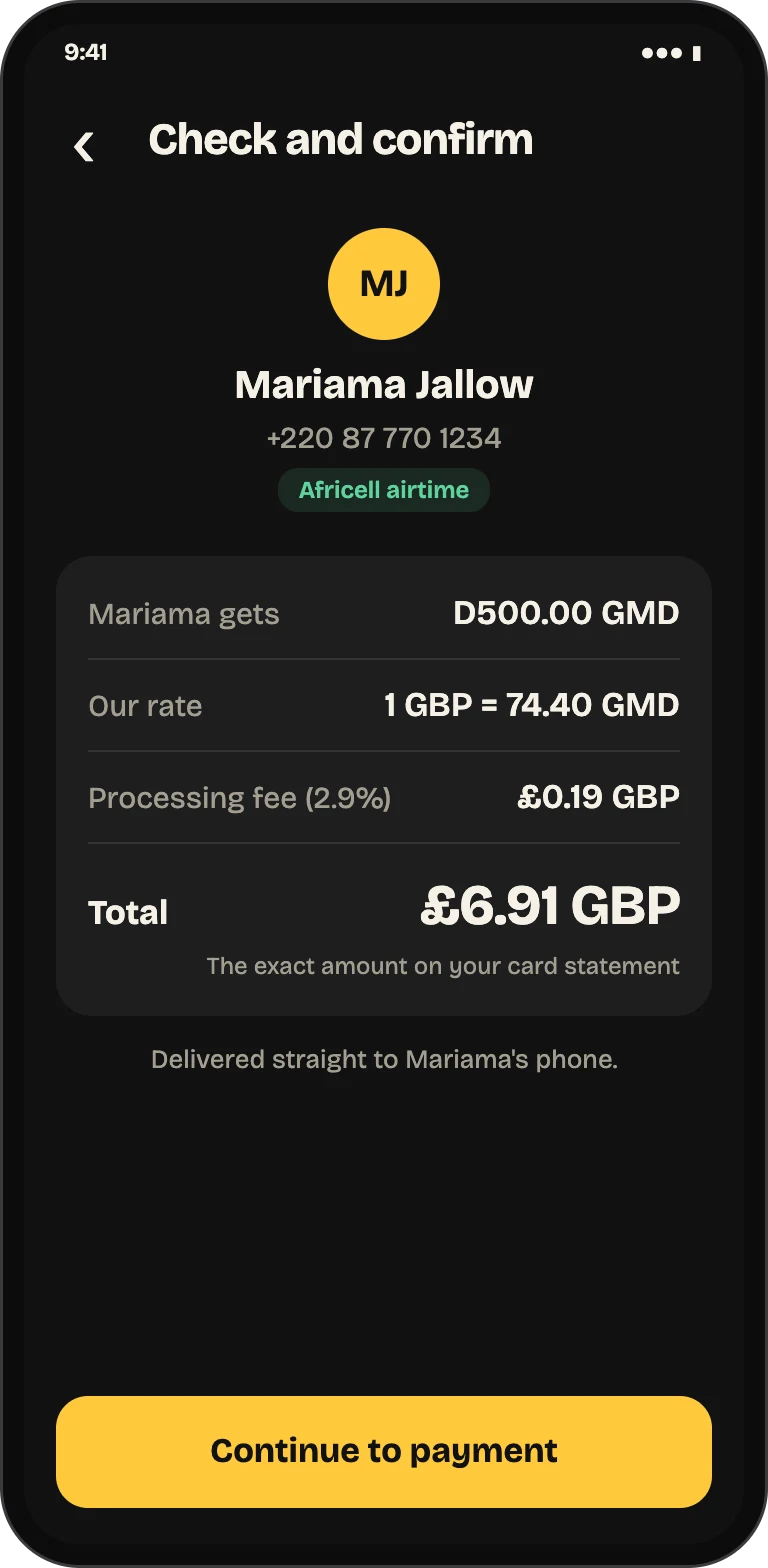
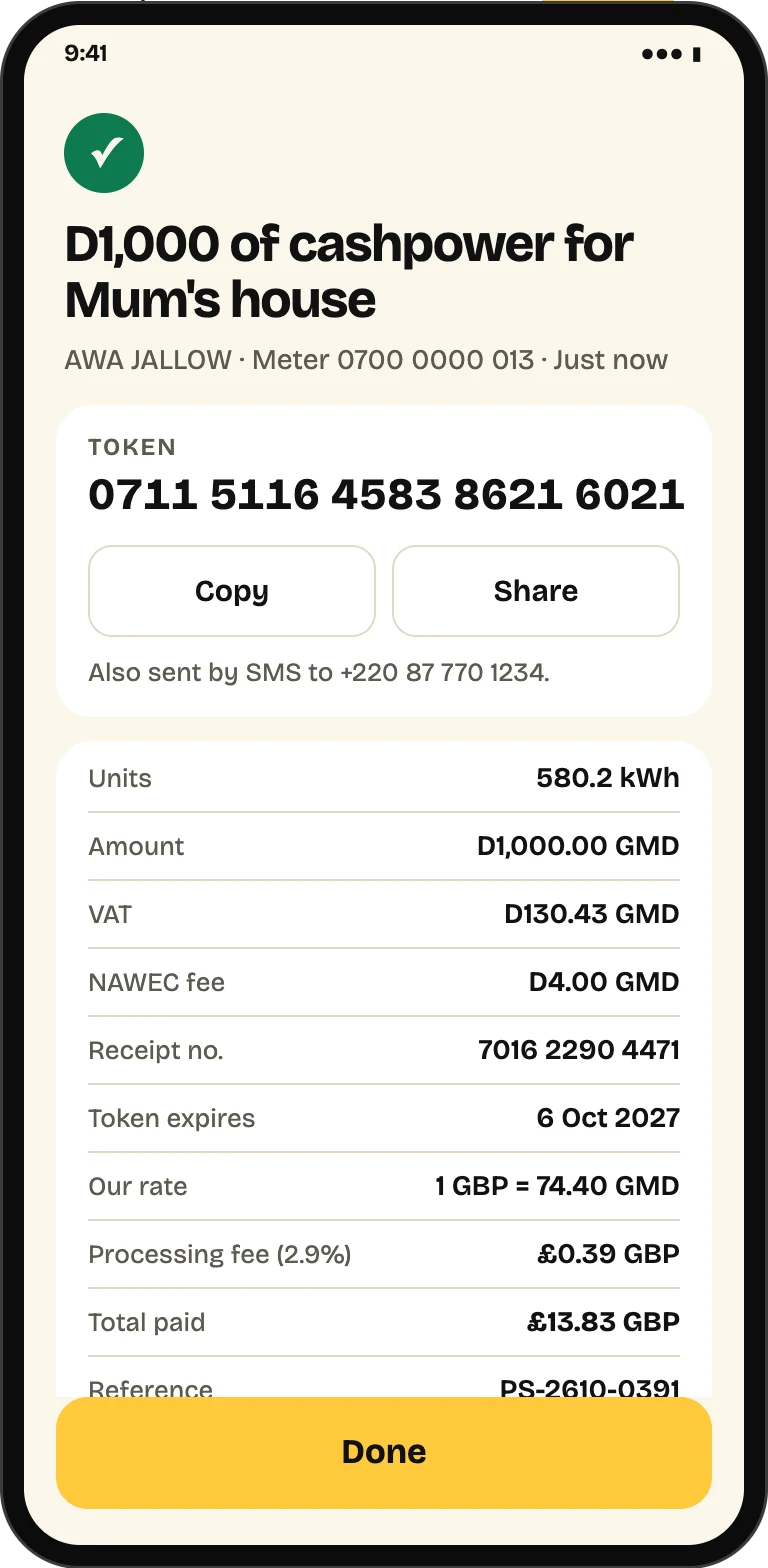
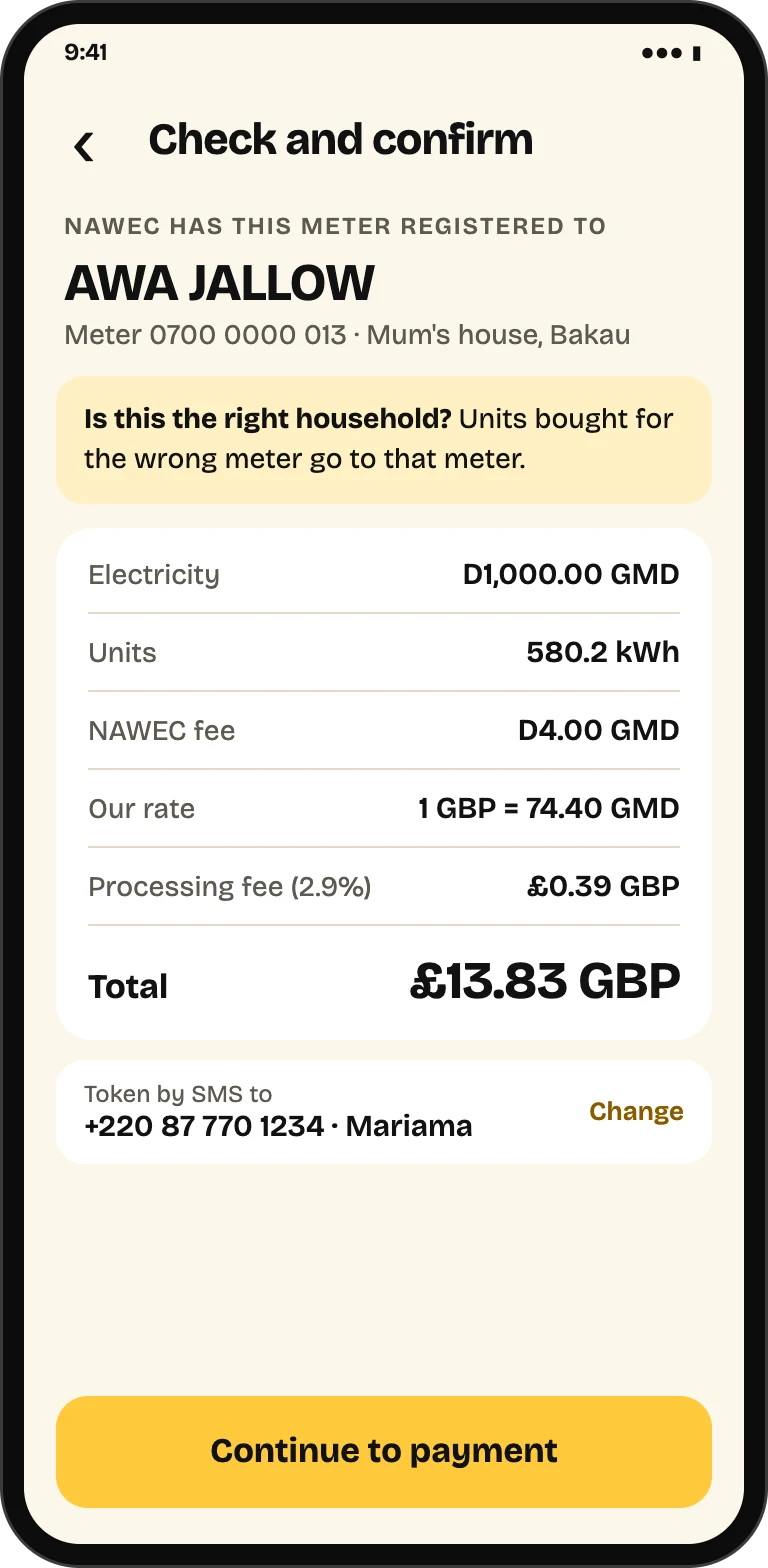
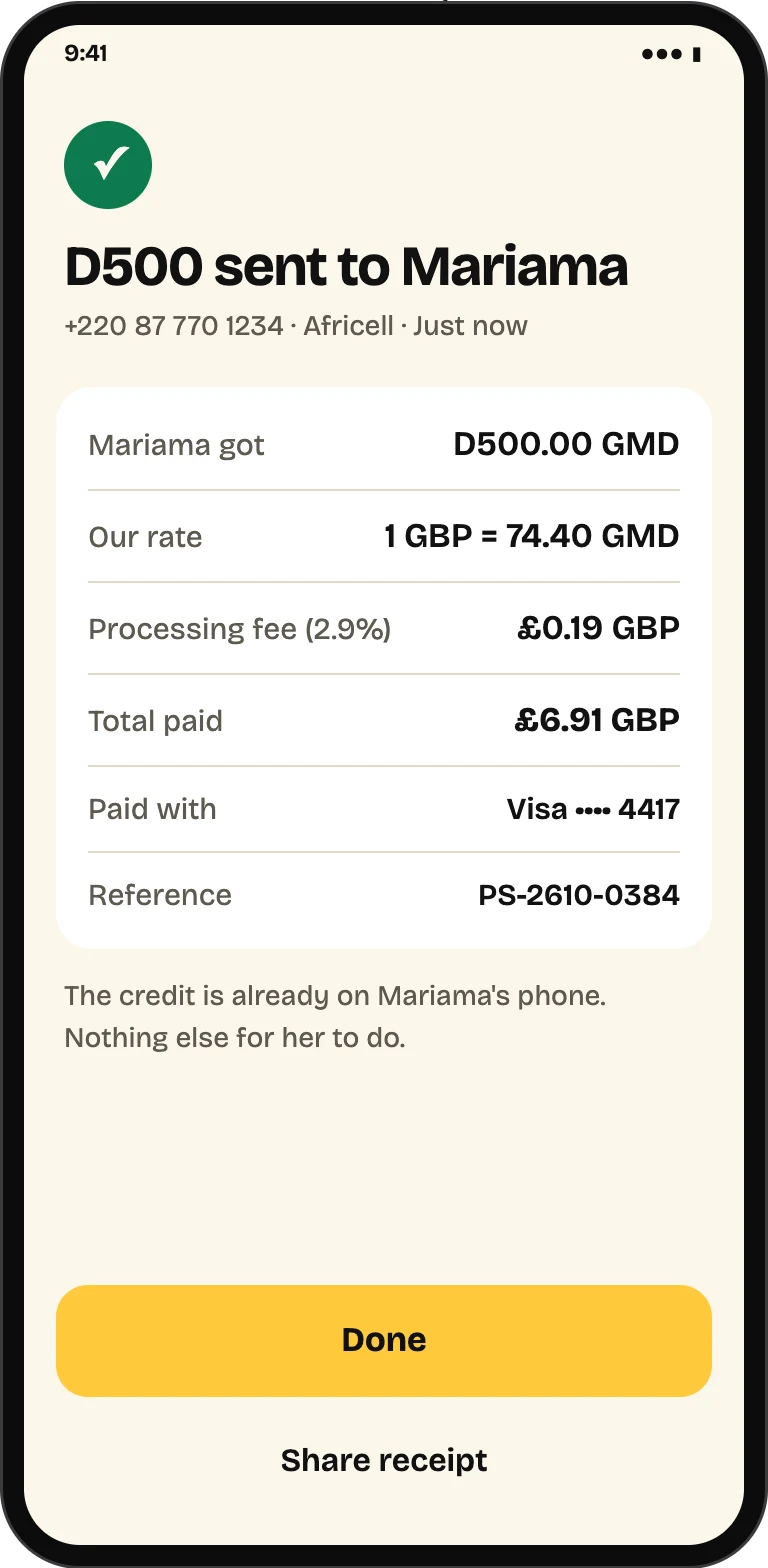
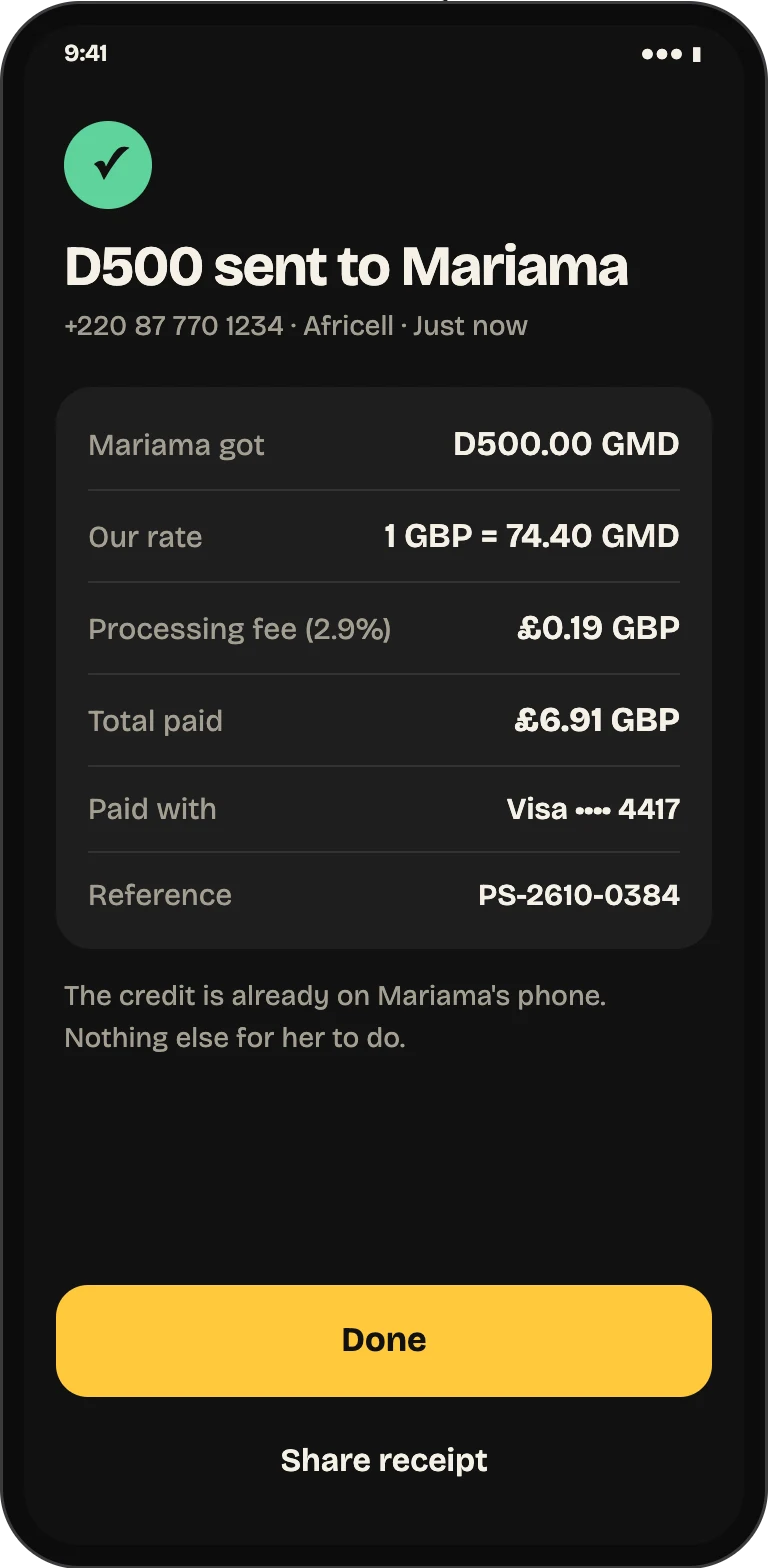
Our exchange rate and a processing fee, each on its own line, add up to one total. It is the same figure on the payment screen, your receipt and your card statement.
One total, shown before you pay.
What they get in dalasi, our rate, the processing fee and the total — the exact amount that appears on your card statement.
Never asked to pay twice.
If your connection drops mid-payment, PaySakute checks with your bank whether it went through instead of asking you to pay again.
Your card stays with Stripe.
Card details are entered and stored by Stripe, not PaySakute, and your bank can approve each payment with its own check.
How to send airtime or Cashpower to The Gambia
How it works
Four steps from the home screen to a delivered top-up or an issued token.
- 1
Choose who gets it
Pick a saved person or meter, or enter a new +220 number. Cashpower checks the meter with NAWEC and shows the registered name.
- 2
Enter the amount
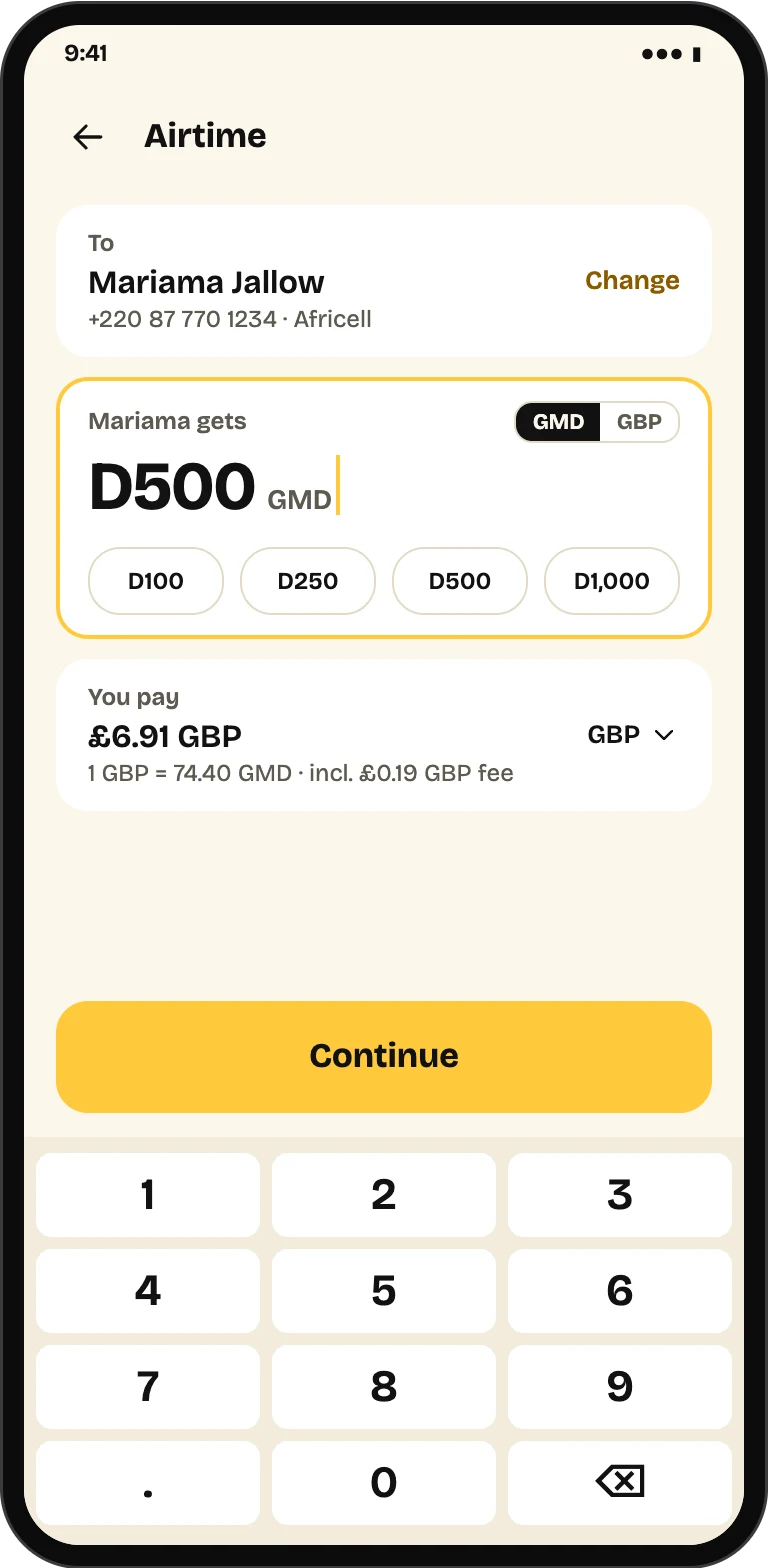
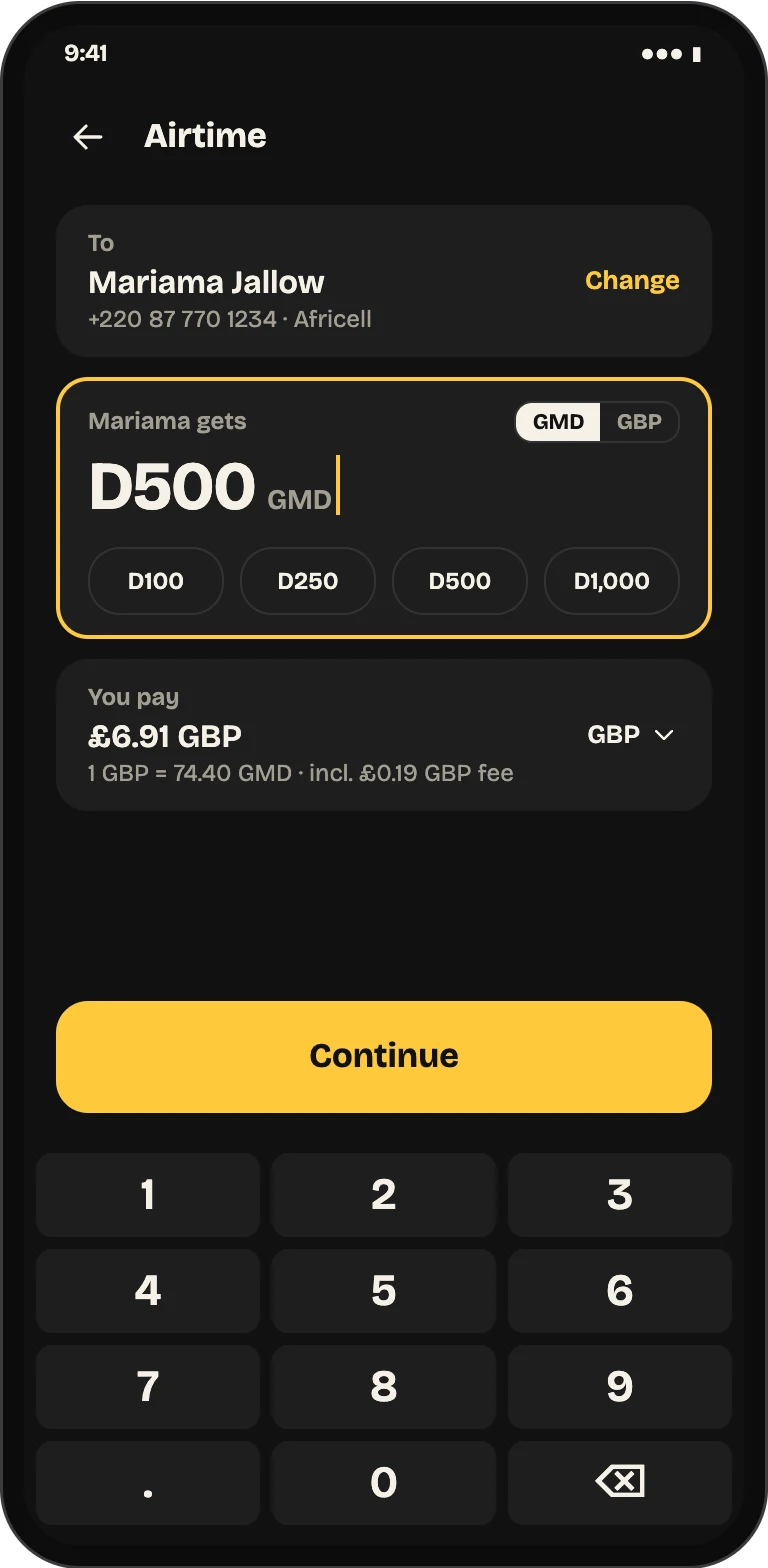
Type what they should get in dalasi, or what you want to spend in your own currency. The total updates as you type.
- 3
Check and confirm
See what they get, our rate, the processing fee and your total on one screen before you go to payment.
- 4
Pay by card
Pay with a saved card or add one. You see when the airtime is delivered or the Cashpower token is issued.
What you can do with PaySakute
Airtime top-up
Send airtime to Africell, QCell, Gamcel and Comium
Enter a Gambian number and PaySakute recognises the network as you type. Choose a quick amount or type your own, in dalasi or in your own currency, and see the total before you continue.
NAWEC Cashpower
Buy Cashpower for the right household
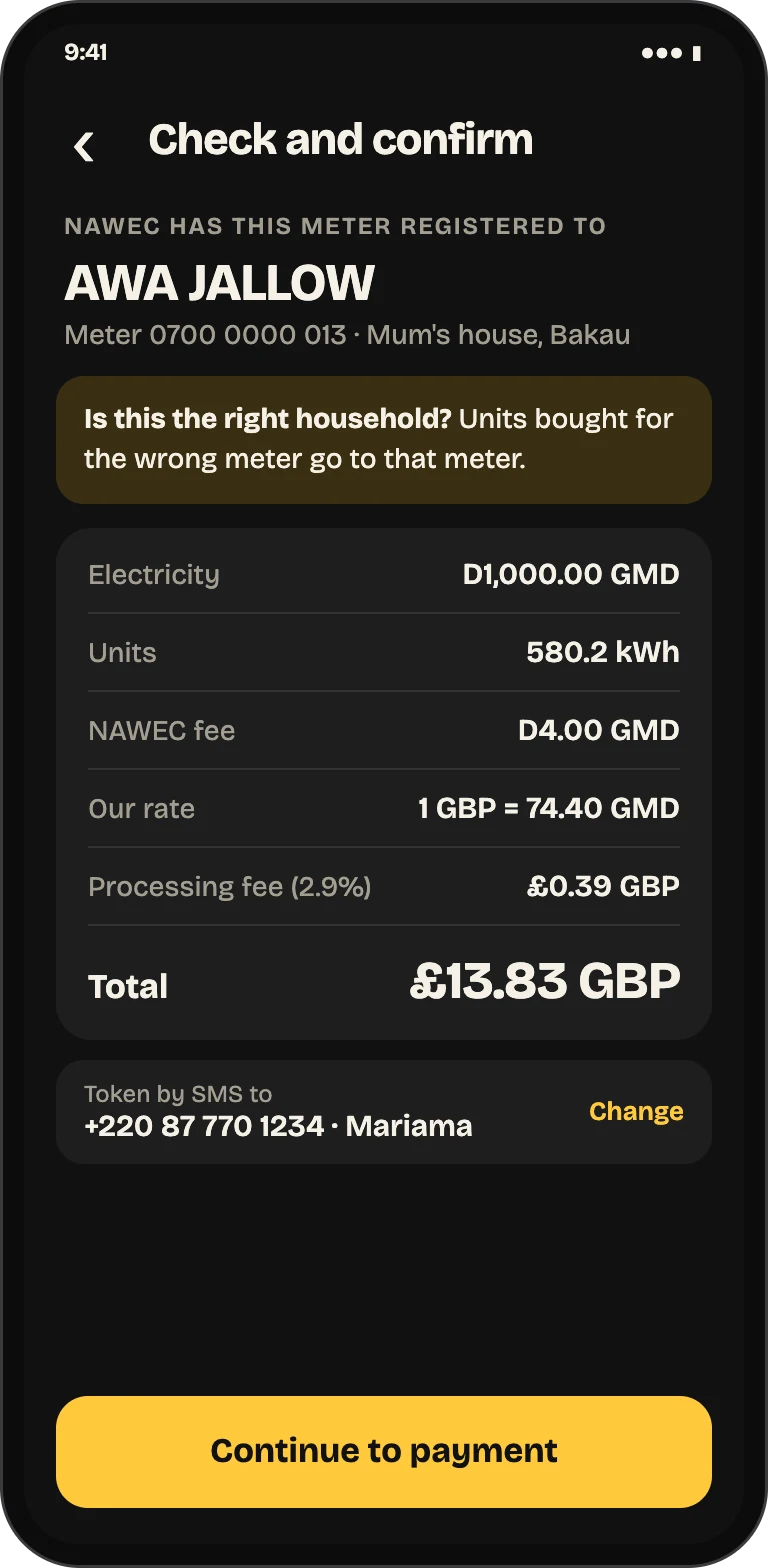
Before you pay, PaySakute checks the meter with NAWEC and shows the name it is registered to, so units bought for home do not go to someone else's meter.
Your token
The token on your screen, and by SMS to home
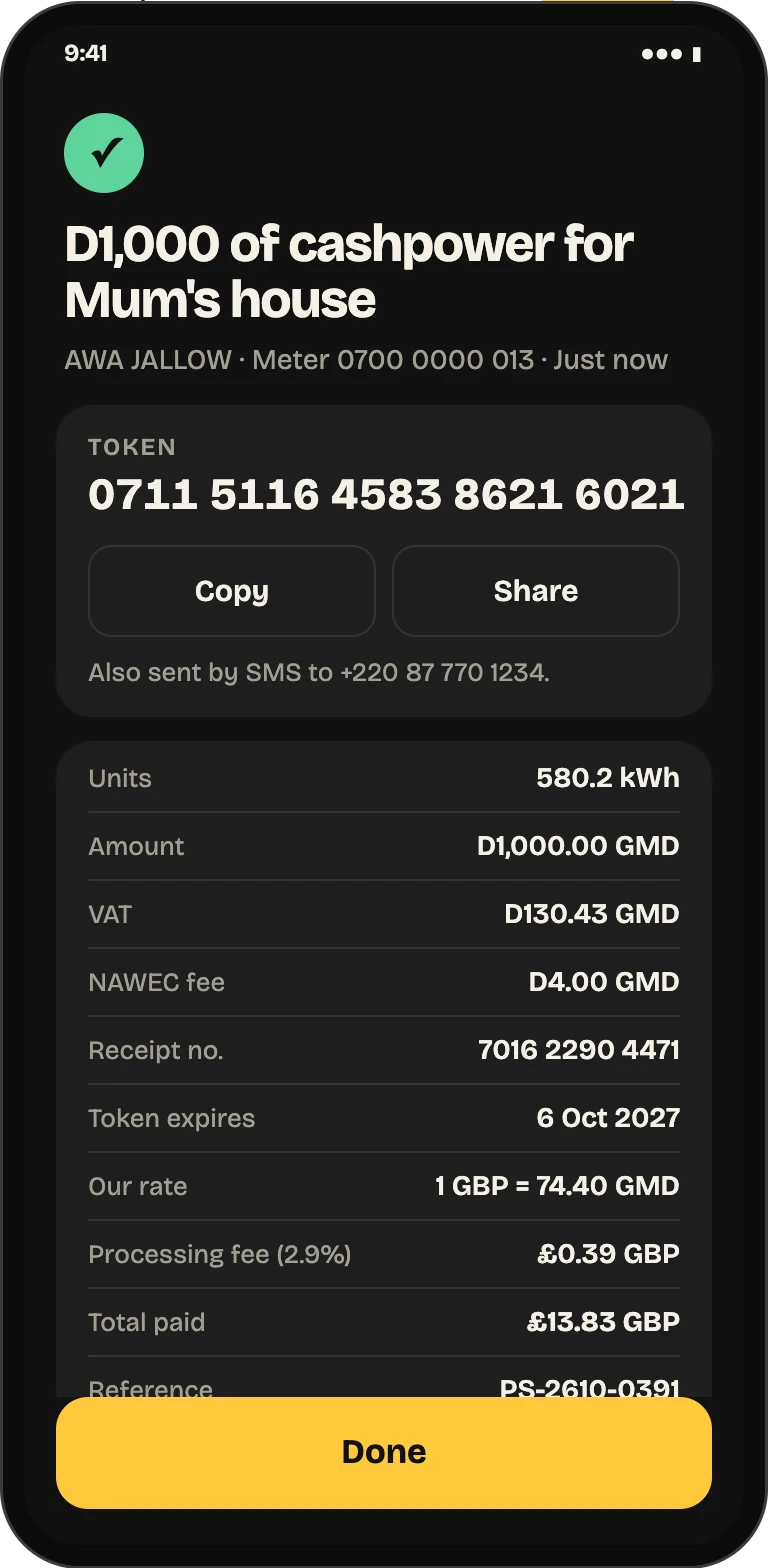
When NAWEC issues the token it appears on your receipt with Copy and Share, and is sent by SMS to the Gambian phone you chose. The units, fee and receipt number are all there.
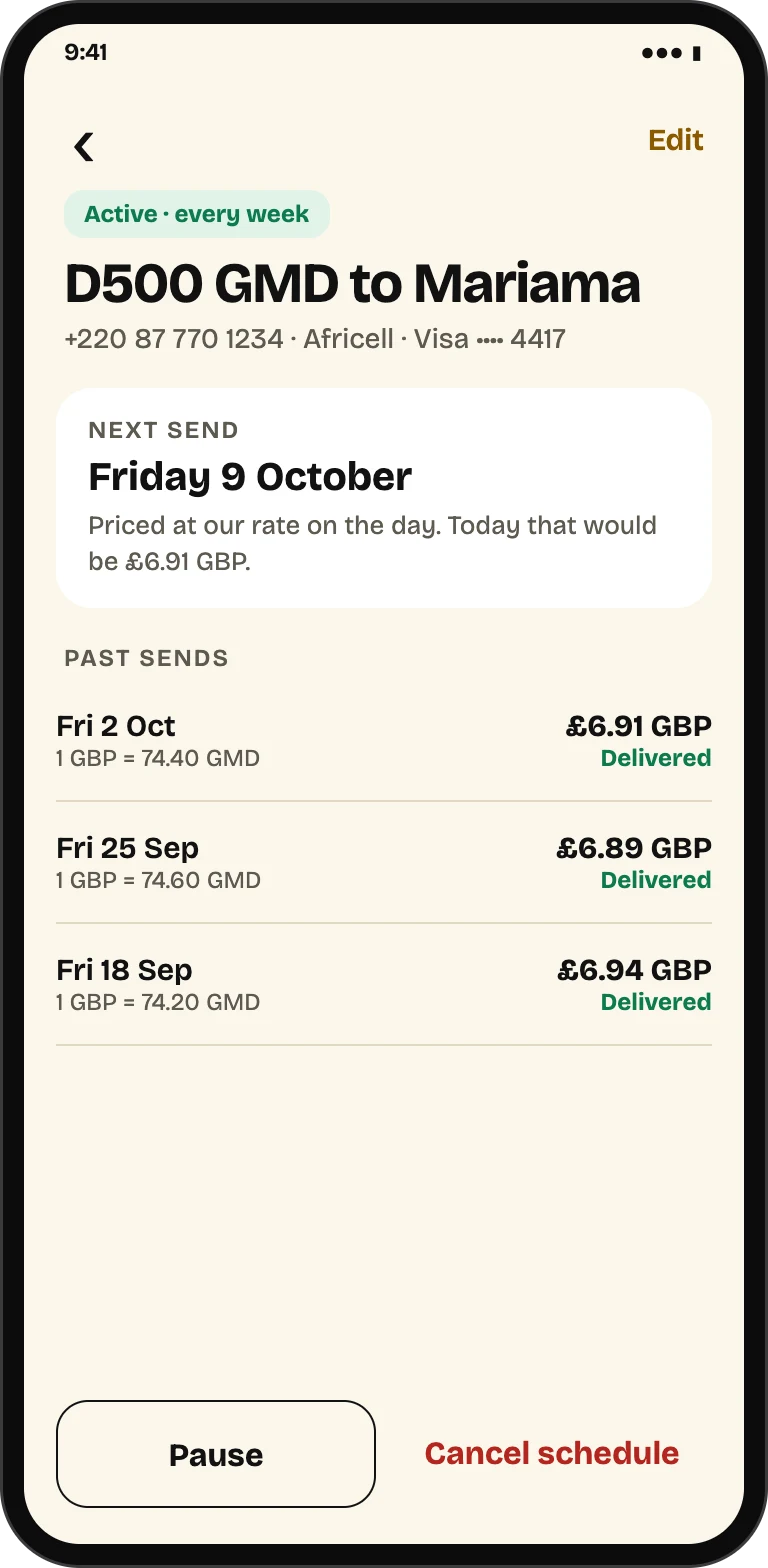
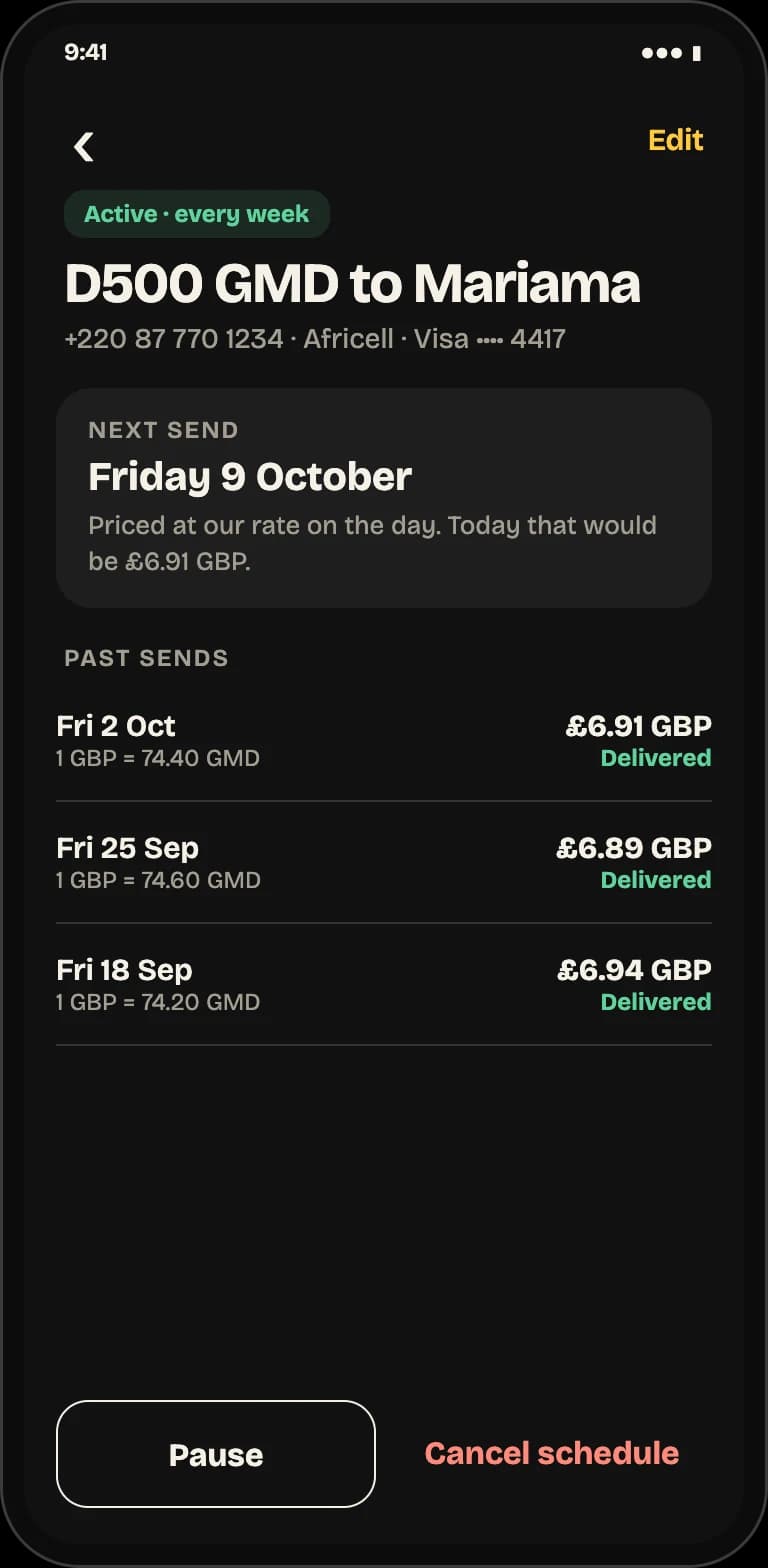
Scheduled airtime
Top up the same person every week or month
Set a schedule once. Each send is priced at our rate on the day, and you can pause, change or cancel it whenever you like.
Check, pay, delivered
Inside the app
Every send shows the full breakdown before payment, takes your card through Stripe, and ends on a receipt with the payment reference.
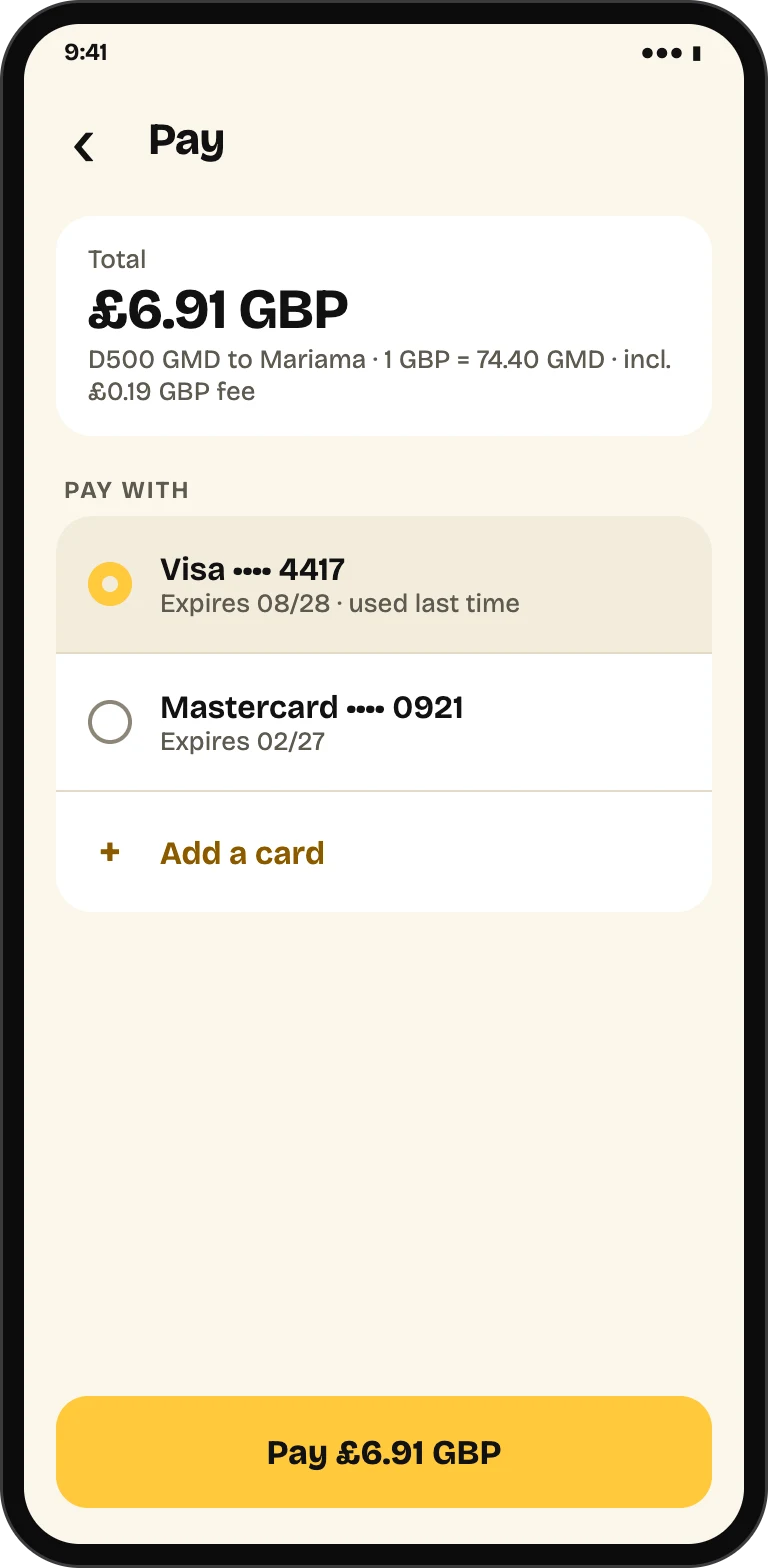
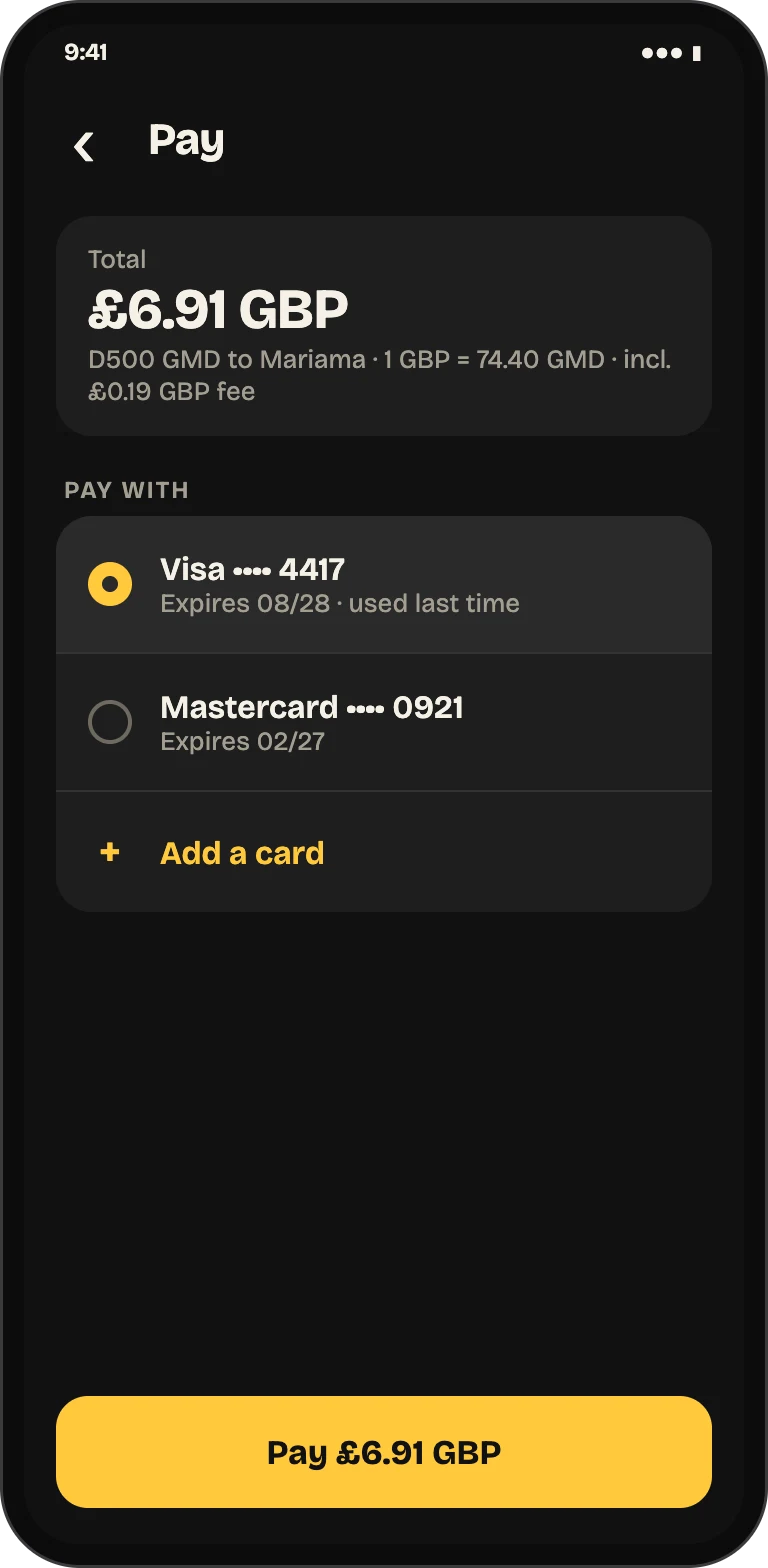
Every Gambian network, and NAWEC Cashpower
Airtime and Cashpower
Airtime top-up
Any +220 mobile number. The network is detected as you type.
- Africell
- QCell
- Gamcel
- Comium
Electricity
NAWEC Cashpower for prepaid meters. The meter’s registered name is checked before you pay, and the token is sent by SMS.
- NAWEC Cashpower
Pay by card in
Enter the amount in dalasi or in your own currency. Your choice is remembered.
- GBPBritish pound
- USDUS dollar
- EUREuro
- CADCanadian dollar
- AUDAustralian dollar
Built for sending home often
Features
Send again in one tap
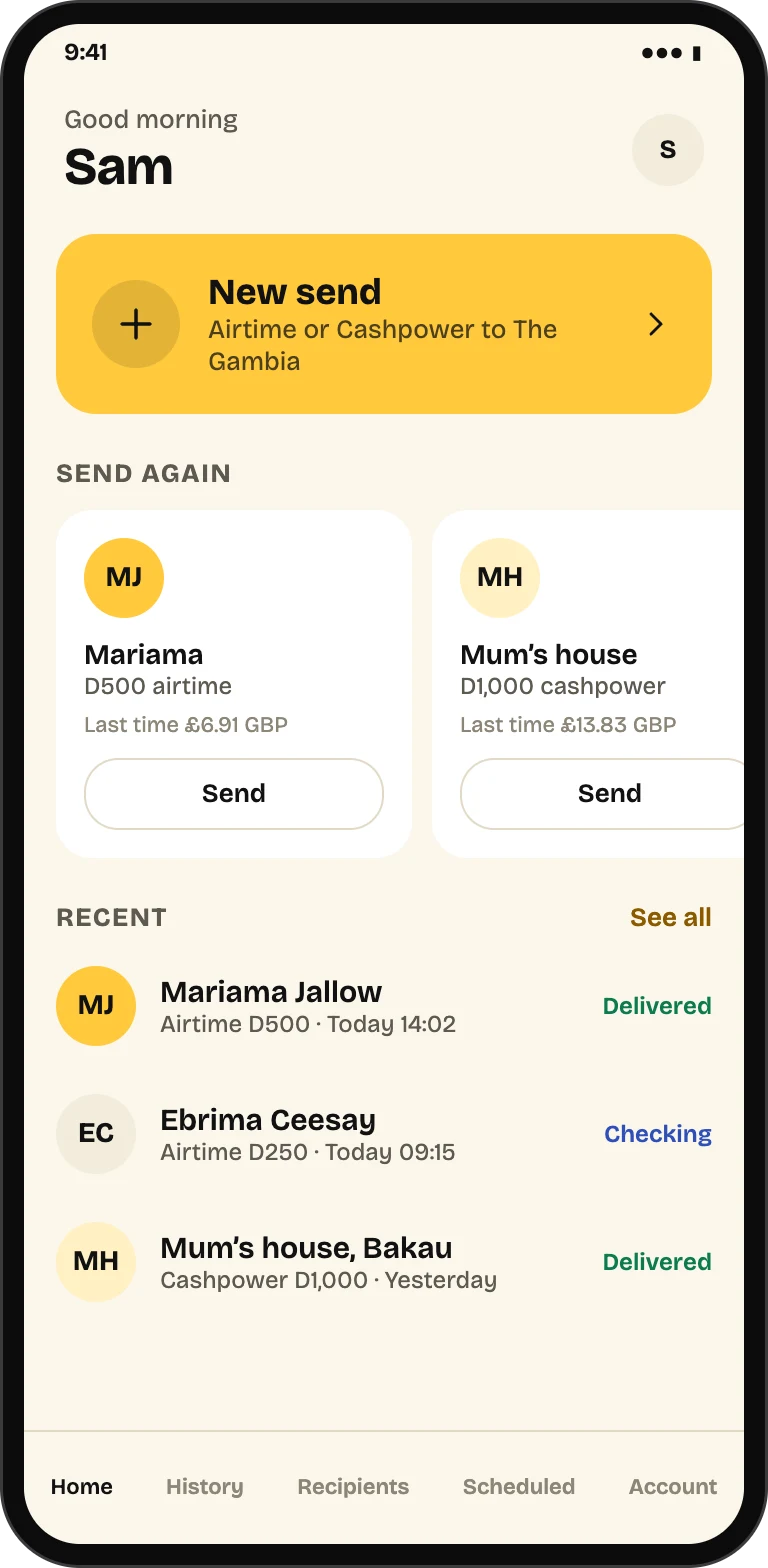
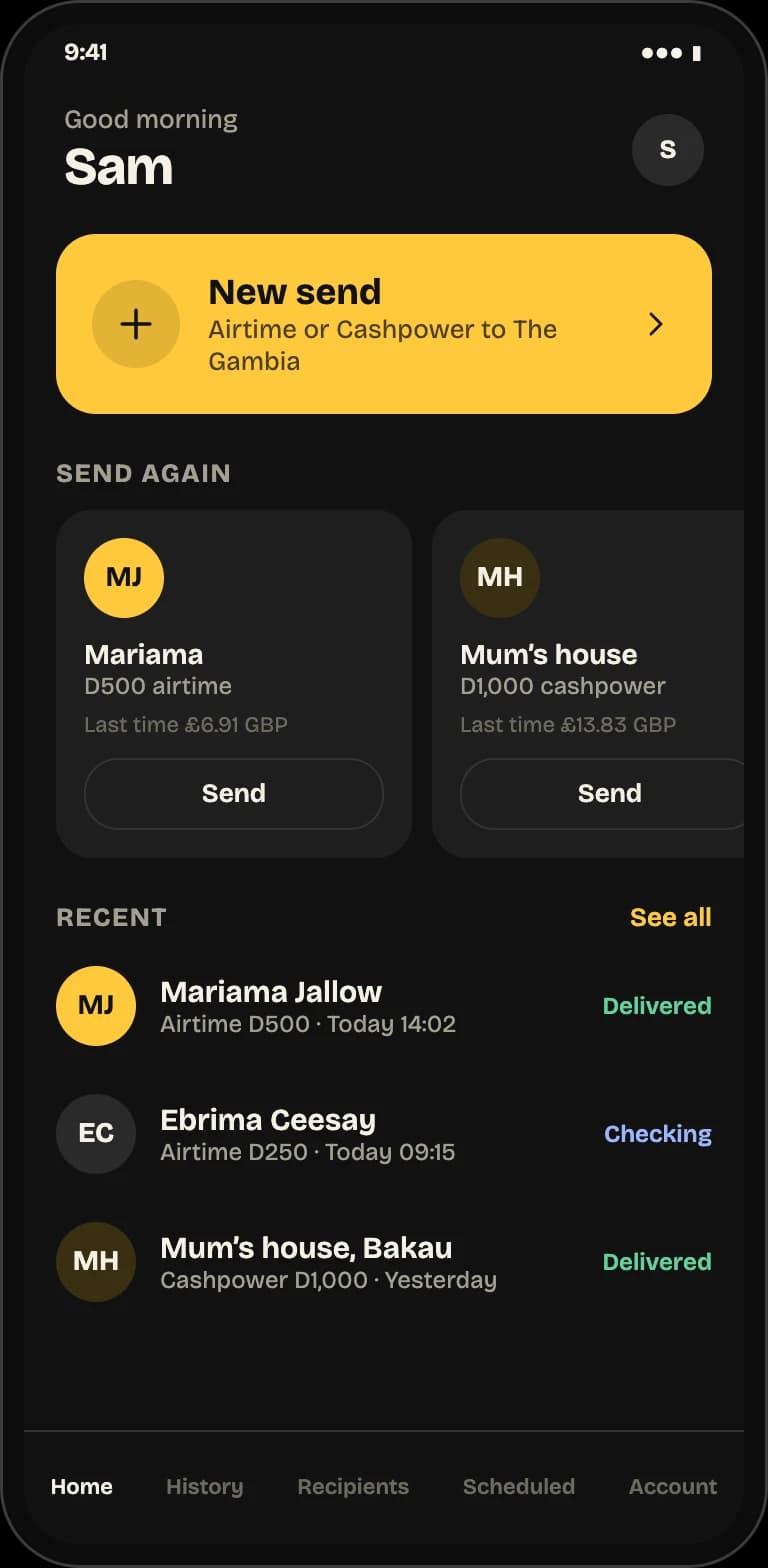
Your recent sends appear on the home screen. Tap one to repeat it with today's price, shown next to what you paid last time.
Saved people and meters
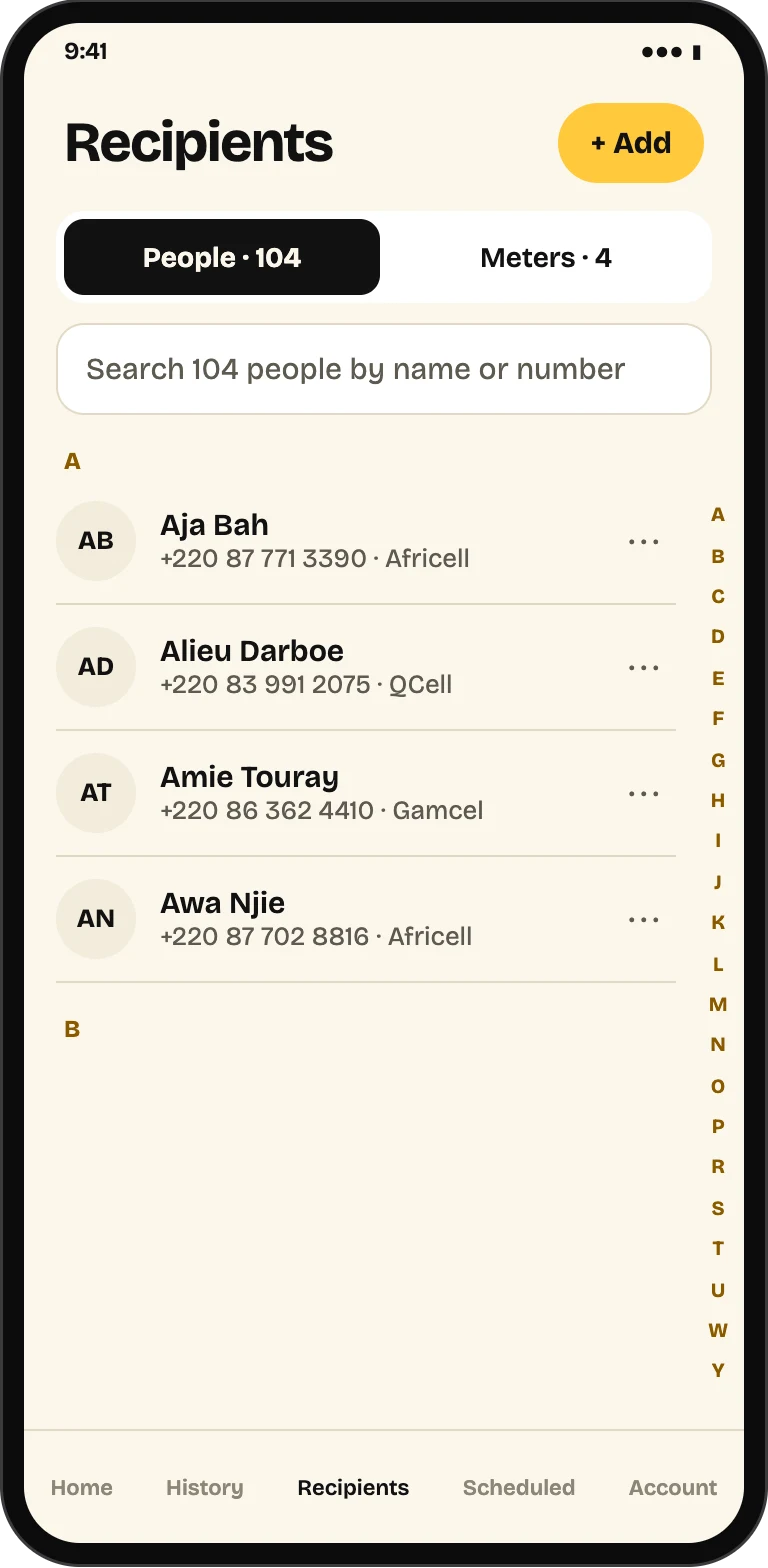
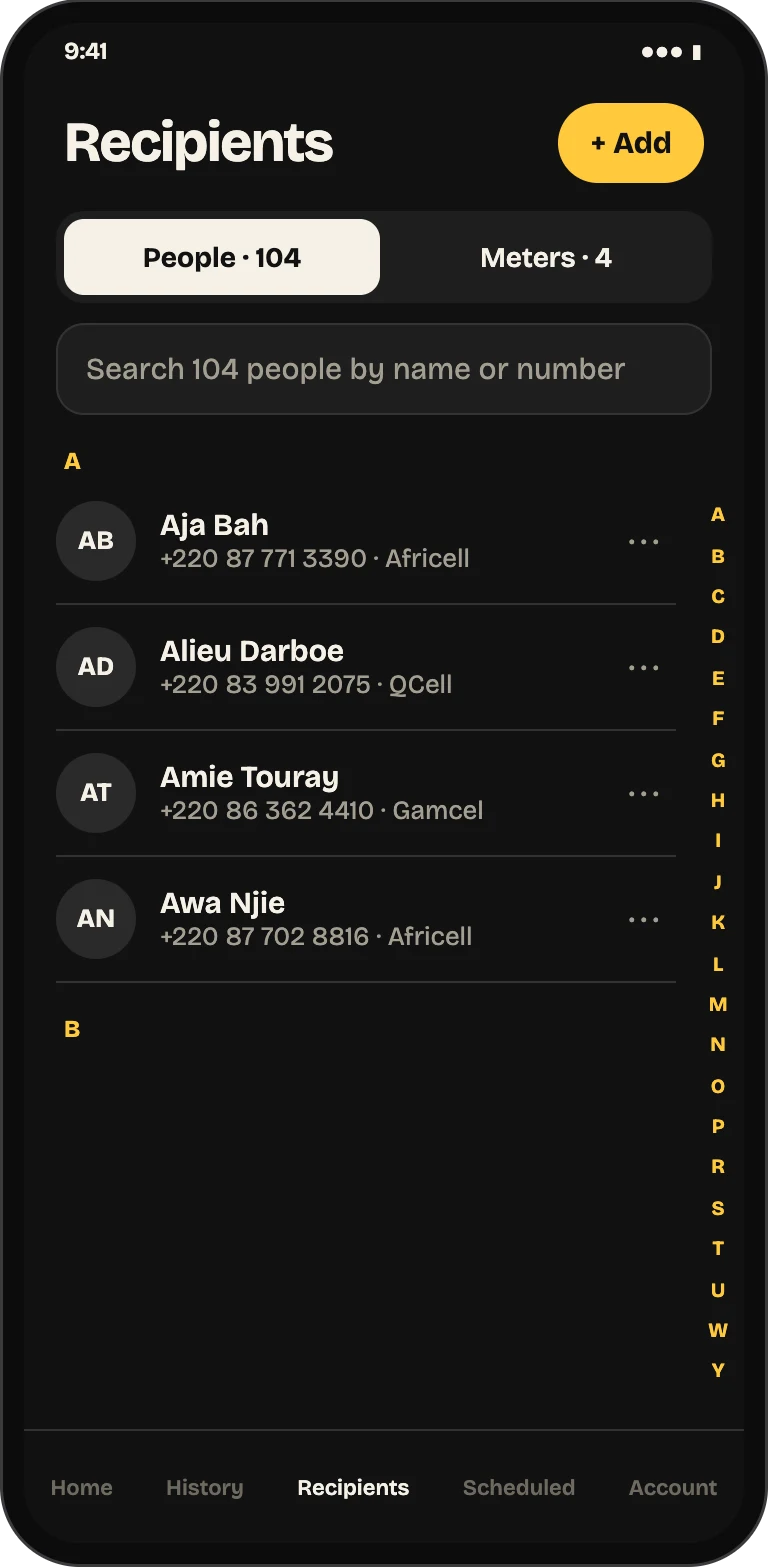
Keep the numbers and NAWEC meters you send to most, each with your own label, and start a purchase from any of them.
Pay in your currency
Pay in pounds, US dollars, euros, Canadian or Australian dollars. Your choice is remembered for next time.
Every order tracked
History shows each order's delivery and payment status, with a full receipt you can share.
Clear when something fails
If a network turns a top-up down, PaySakute says whether you were charged and shows any refund until it is complete.
Reminders that matter
Notifications when a token is issued, a refund completes or a scheduled send needs your bank's approval.
Questions about sending to The Gambia
Answers
Get the app
Send airtime and Cashpower home with PaySakute
Sign in with your email, phone number, Apple or Google, save the people and meters you send to, and repeat a send in one tap.